Bizee Payments Dashboard: Features and Benefits for Small Business Owners
Bizee's Payments Dashboard lets small business owners accept payments anywhere, track transactions, and manage revenue — all from one place. See how it works.
Bizee Editorial Staff
Editorial Team
Introduction
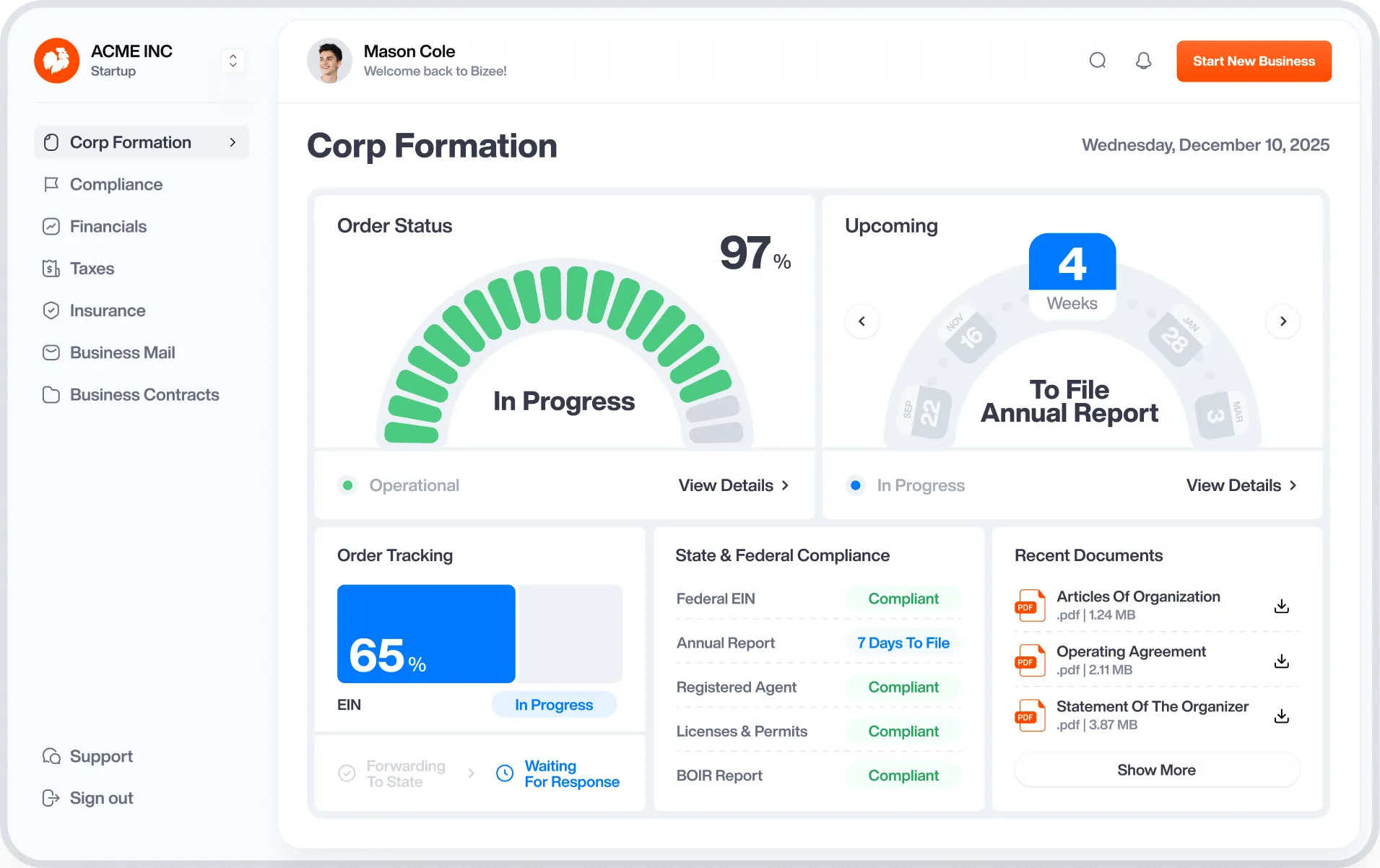
The Bizee Payments Dashboard is a point-of-sale system built into your Bizee customer dashboard. It lets you accept payments in person, online, or by text, track transactions, and manage revenue — all from one place, without switching between platforms.
What the Bizee Payments Dashboard is
The Bizee Payments Dashboard is a point-of-sale system available to Bizee customers through their existing dashboard. It handles payment processing, order management, and transaction tracking in one place — so you're not juggling separate tools for each part of how your business gets paid.
Most small business owners piece together payment processing from multiple sources: a card reader here, an invoicing app there, a separate system for online orders. The Bizee Payments Dashboard brings those functions together so you can see everything in one view.
- Accept in-person card payments through a POS terminal
- Send payment requests by text using the text-to-pay feature
- Manage online orders and track transaction history
- Monitor revenue and payment activity from your dashboard
Why your point-of-sale choice matters
Your point-of-sale system affects more than how you collect money — it shapes how fast you get paid, how much you pay in processing fees, and how clearly you can see your business's financial picture. Choosing the wrong one early can mean higher fees and fragmented records that make bookkeeping harder later.
Processing fees add up faster than most new business owners expect. A system that saves even 1–2% per transaction can make a real difference at the end of the year. The Bizee Payments Dashboard is designed to cut processing costs — up to 50% compared to standard rates — while keeping your payment data in the same place you manage the rest of your business.
There's also a practical case for consolidation. When your payment history, order records, and business formation documents all live in one dashboard, you spend less time hunting for information and more time running your business.
How the Bizee Payments Dashboard works
The Bizee Payments Dashboard is accessible directly from your Bizee customer account. Once you're in, you choose how you want to accept payments — in person, online, or by text — and the dashboard handles the processing and record-keeping from there.
In-person payments
The POS system supports card payments at the point of sale. Whether you're running a retail shop, a service business, or a pop-up, you can take payments on the spot without a separate merchant account or third-party terminal.
Text-to-pay
Text-to-pay lets you send a payment request directly to a customer's phone. They tap the link and pay — no app download, no card reader required. For service businesses that invoice after the work is done, this is one of the faster ways to get paid.
Online order management
If your business takes orders online, the dashboard gives you a single place to track and manage them. Orders, payments, and transaction history are all visible in one view, which makes reconciling your finances at the end of the month a lot less work.
FAQ
The Bizee Payments Dashboard is available to Bizee customers through their existing dashboard account. If you've already formed your business through Bizee, you can access the payments feature directly from your dashboard without signing up for a separate service.
The Bizee Payments Dashboard supports in-person card payments through a POS terminal, online payments, and text-to-pay — where you send a payment link directly to a customer's phone. You can use one or all 3 methods depending on how your business operates.
Bizee Payments is designed to reduce processing fees by up to 50% compared to standard rates. For current pricing details, log in to your Bizee dashboard or contact Bizee support — fees can vary based on transaction type and volume.
No. The Bizee Payments Dashboard is built into your existing Bizee customer account. You don't need to set up a separate merchant account or integrate a third-party payment processor to get started.
Text-to-pay is a feature that lets you send a payment request to a customer's phone as a text message. The customer taps the link and completes the payment from their phone — no app, no card reader, and no in-person interaction required. It's useful for service businesses that collect payment after completing work.
Yes. The Bizee Payments Dashboard gives you a view of your transaction history, payment activity, and order records in one place. This makes it easier to track revenue and reconcile your finances without pulling data from multiple sources.